The details that make a house your home
Running a home creates a trail of dates, decisions, documents, costs, and people. Around The House connects those details to the appliance, room, system, or property they belong to.
 (opens in a new tab) See inside the app
iPhone, iPad & Mac · Review current purchase options and feature availability in the app.
What belongs in a household management app?
- Home itemsAppliances, systems, fixtures, exterior components, and possessions worth documenting.
- MaintenanceUpcoming work, overdue tasks, completion notes, and recurring schedules.
- RepairsWhat failed, what changed, who handled it, and what it cost.
- DocumentsManuals, receipts, invoices, warranties, and useful photos.
- ContactsThe contractors and service providers connected to actual work history.
Organize around the home, not around file types
A furnace record can hold its model number, filter size, service history, next reminder, contractor, invoice, and warranty. That is more useful than placing each fact in a different generic app.
Properties keep their own items and histories, so information remains understandable when you manage more than one home.
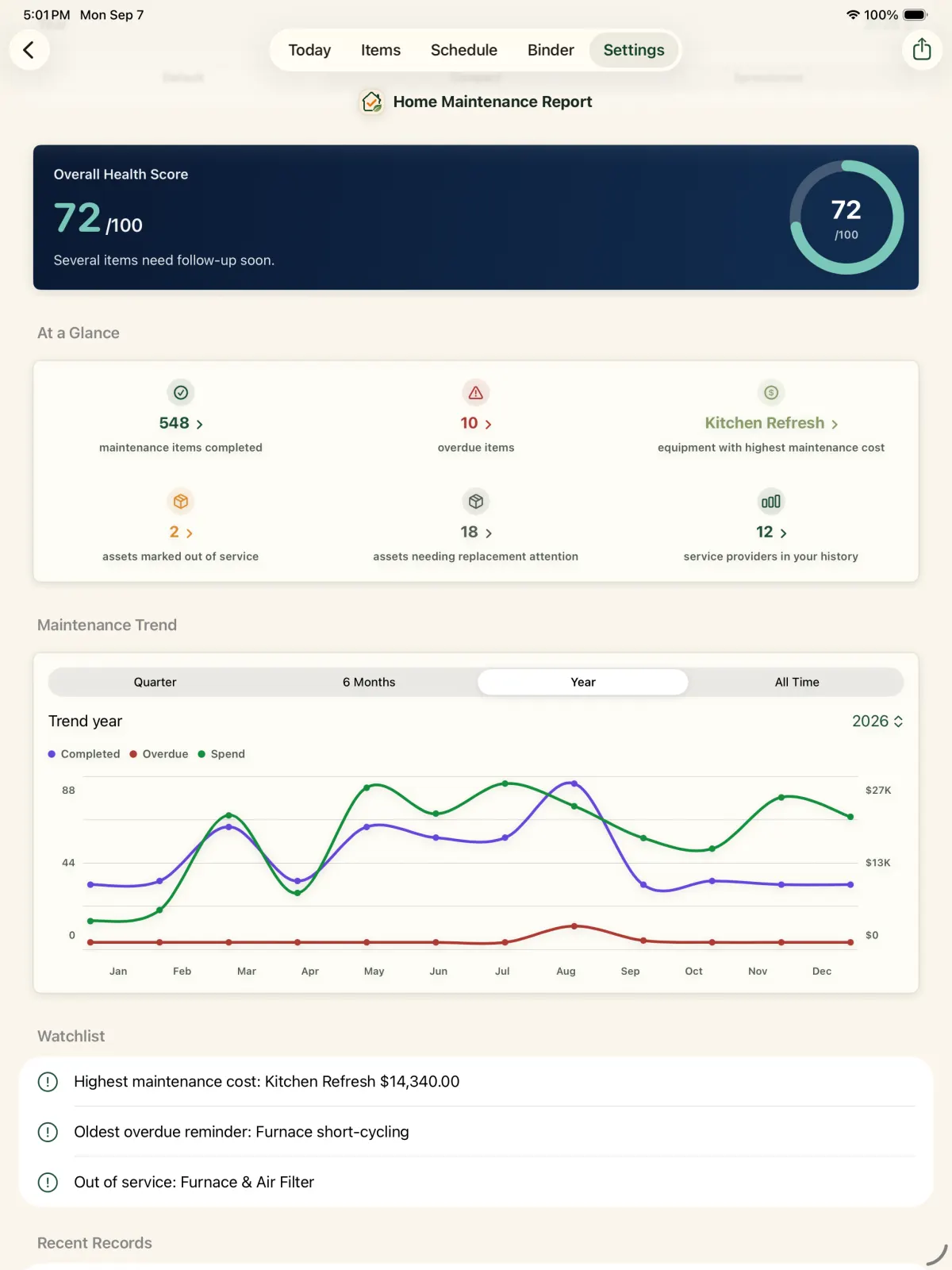
See what needs attention without losing what already happened
The Today and schedule views make current work visible. Completing maintenance adds to the item's history, where the note, provider, cost, and evidence remain available later.
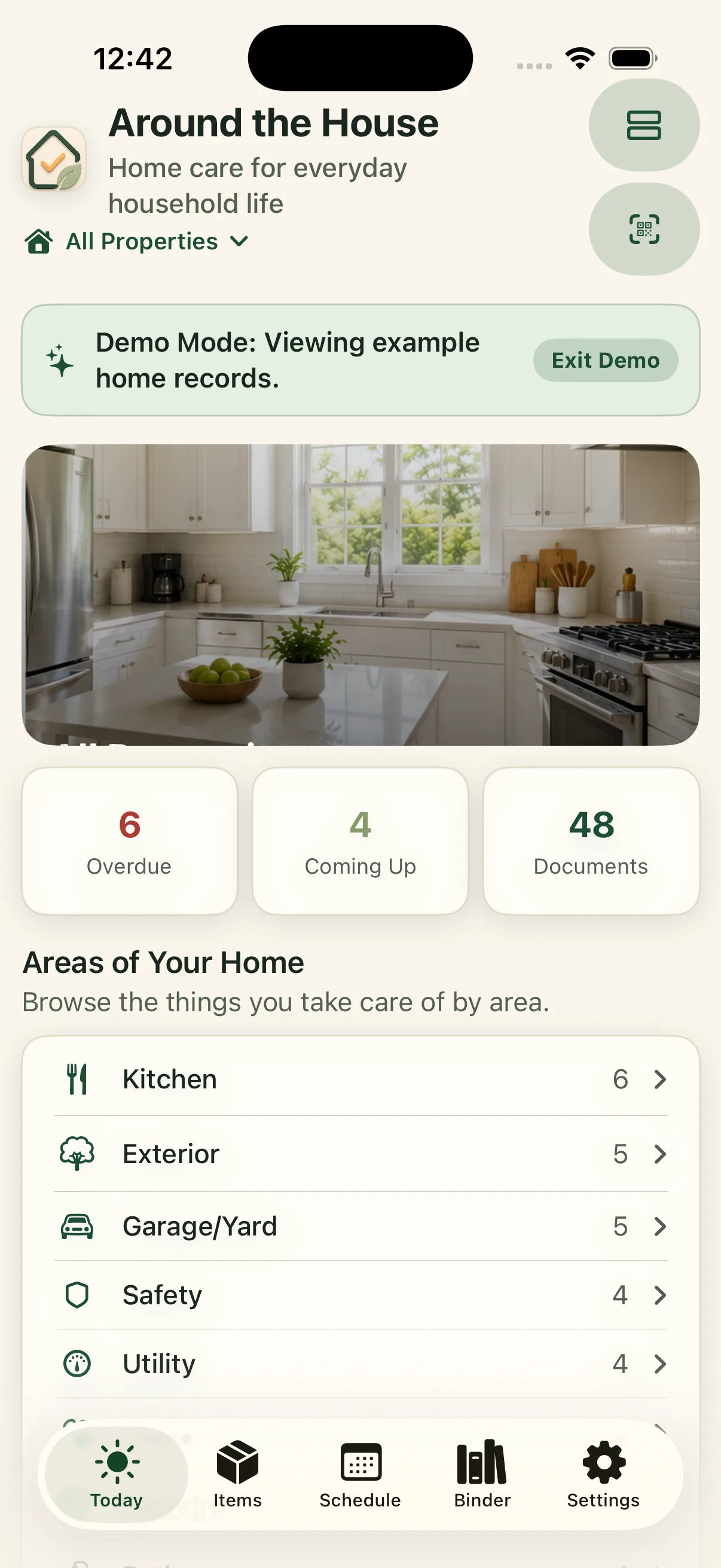
A focused home record, not a financial or social platform
Around The House is built for home memory and maintenance on iPhone, iPad, and Mac. It does not require an Around The House account. Records stay on your Apple devices and in your private iCloud when synchronization is enabled.
Start with the facts you repeatedly search for.
Add a few important items, their identifying details, and the next work that needs attention. The household record can grow as real life gives you a reason.
iPhone, iPad & Mac · Explore an example home. Review current purchase options in the app.
No separate Around The House account. Private iCloud sync across your own devices when enabled.