Home maintenance records that become more useful over time
When something breaks, the useful questions are usually historical: When was it last serviced? What was replaced? Who did the work? What did it cost? Around The House keeps those answers with the part of the home they describe.
 (opens in a new tab) See inside the app
iPhone, iPad & Mac · Review current purchase options and feature availability in the app.
What to record after maintenance or a repair
A good maintenance log does not need to become a diary. Capture the facts that will change a future decision, make the next service call easier, or explain the home's condition to someone else.
- DateWhen the work was completed, not merely when it was scheduled.
- Type of workRepair, replacement, cleaning, inspection, or preventive maintenance.
- What was doneA short description of the work and any parts that were replaced.
- Service providerThe person or company you may need to contact again.
- CostThe amount paid, including enough context to compare future work.
- EvidencePhotos, receipts, invoices, or notes that may matter for a warranty or resale.
Keep one running history for each item
A furnace should have its own history. So should a roof, water heater, dishwasher, deck, or other part of the home worth maintaining. Each completed entry appears in date order on that item's record.
This makes it possible to see patterns: a repair that keeps returning, an appliance that is becoming more expensive, or a system that has not received preventive service in several years.
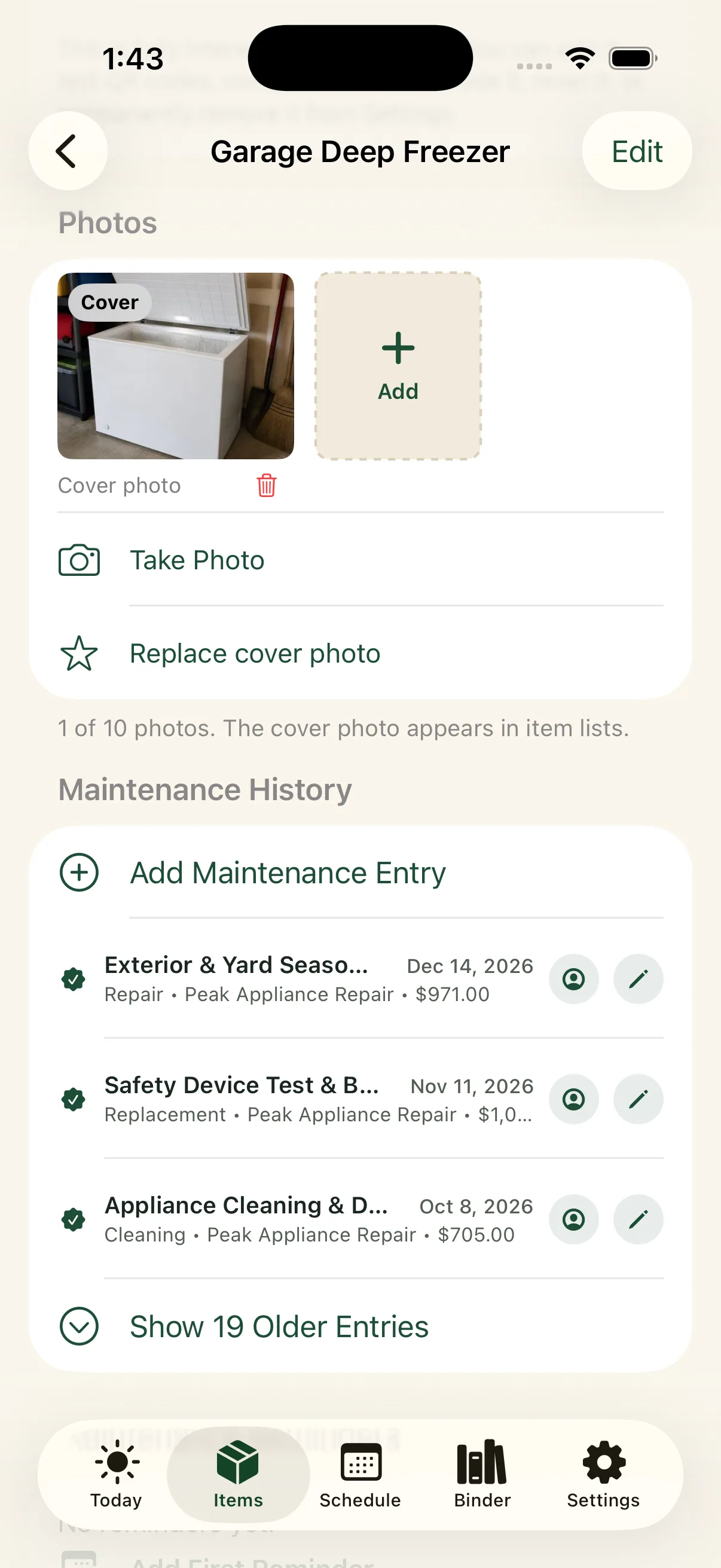
The history sits beside the identifying details
Repair notes are easier to use when the model number, serial number, installation date, photos, manual, and warranty are nearby. Around The House keeps those details on one item record instead of splitting them among a calendar, spreadsheet, photo library, and document folder.
When a technician asks what happened last time, the answer does not depend on remembering which app holds it.
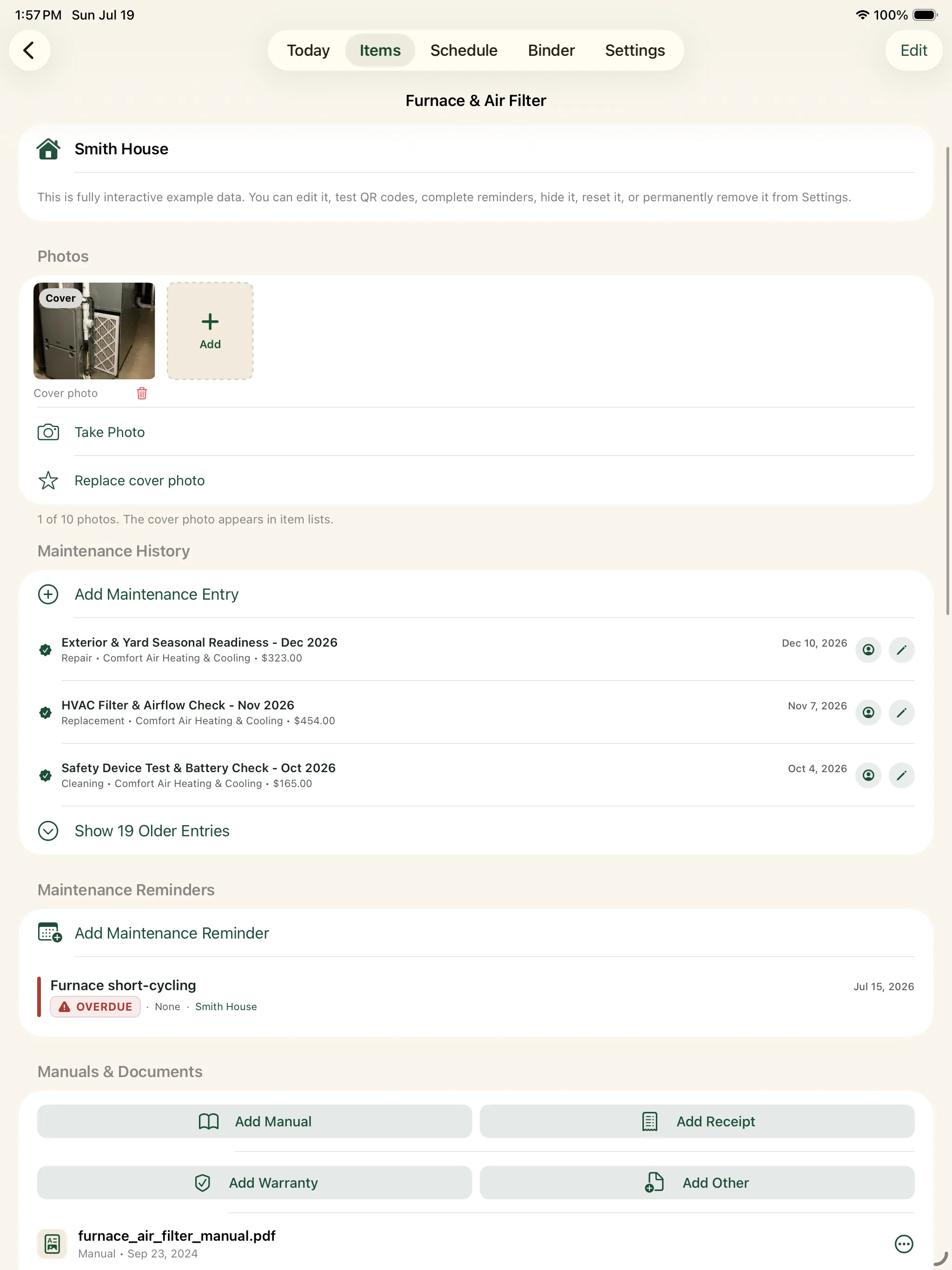
See costs without losing the story behind them
Each maintenance entry can include a cost, allowing reports to summarize spending over time. The total is useful, but the underlying history remains available: which item required the expense, what kind of work it was, and who performed it.
Records make the next reminder smarter
Maintenance history answers what happened. A recurring reminder carries that knowledge forward by putting the next filter change, inspection, or service visit back on the schedule. Together they form a continuous record instead of a collection of disconnected alerts.
Write down the last repair you remember.
Add its date, provider, cost, and one useful note. That is enough to begin a dependable history.
iPhone, iPad & Mac · Explore an example home. Review current purchase options in the app.
No separate Around The House account. Private iCloud sync across your own devices when enabled.