A home maintenance calendar connected to completed history
A date on a calendar tells you when to act. Around The House also keeps the item, instructions, completion note, provider, cost, and document that make the task useful before and after it is due.
 (opens in a new tab) See inside the app
iPhone, iPad & Mac · Review current purchase options and feature availability in the app.
Build the calendar from real equipment
Start with safety checks, water-risk equipment, HVAC care, manufacturer-required appliance maintenance, and seasonal exterior inspections. Use the manual, climate, observed condition, and qualified professional advice to choose intervals instead of copying a universal list.
See upcoming and overdue work together
The schedule makes future tasks visible while overdue work remains present. Tasks stay associated with the correct property and item rather than becoming ambiguous calendar events.
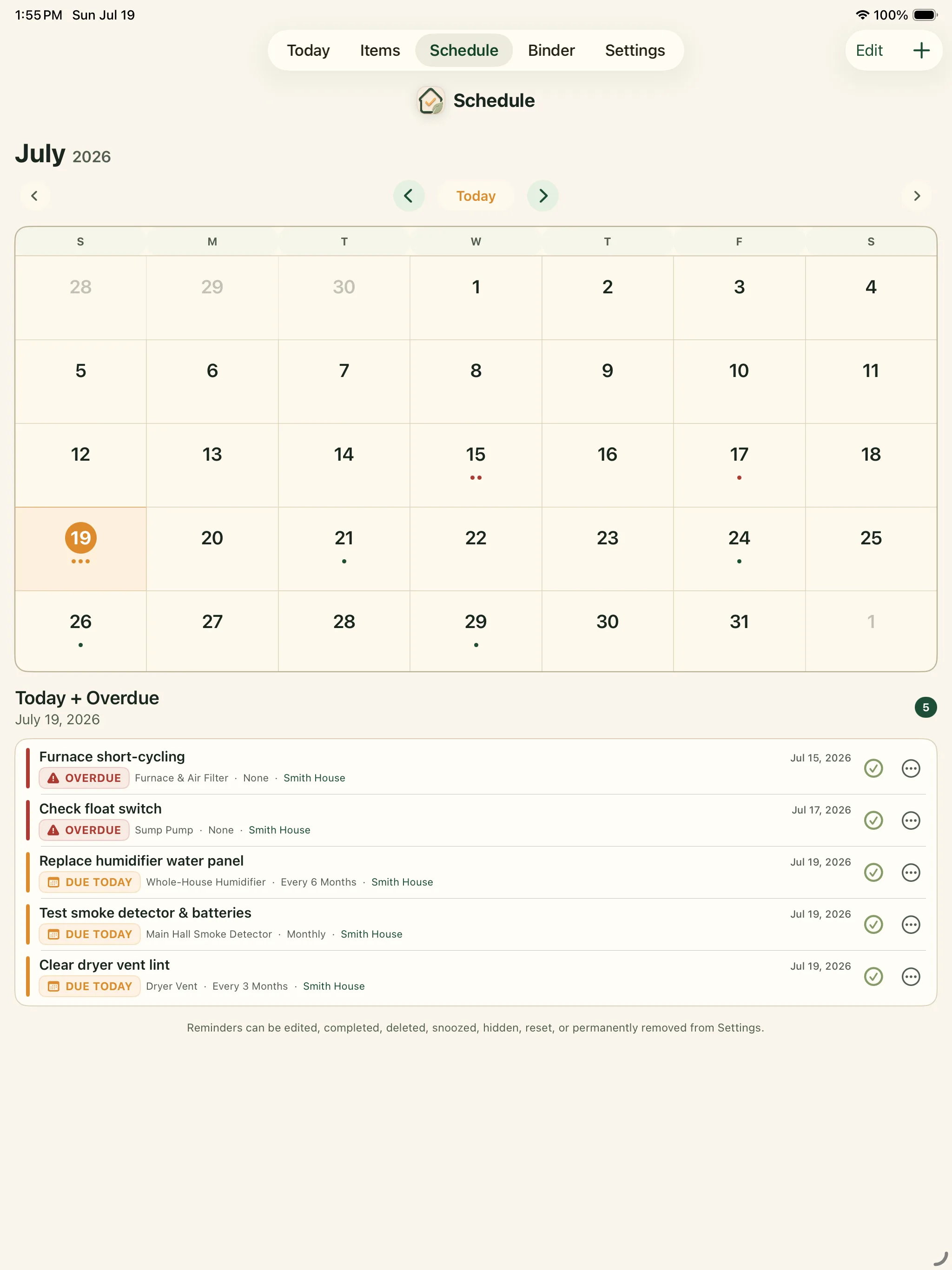
Focus on what matters today
A shorter current view helps keep the larger maintenance plan from becoming noise. When the work is complete, record the actual date and result instead of simply deleting the event.
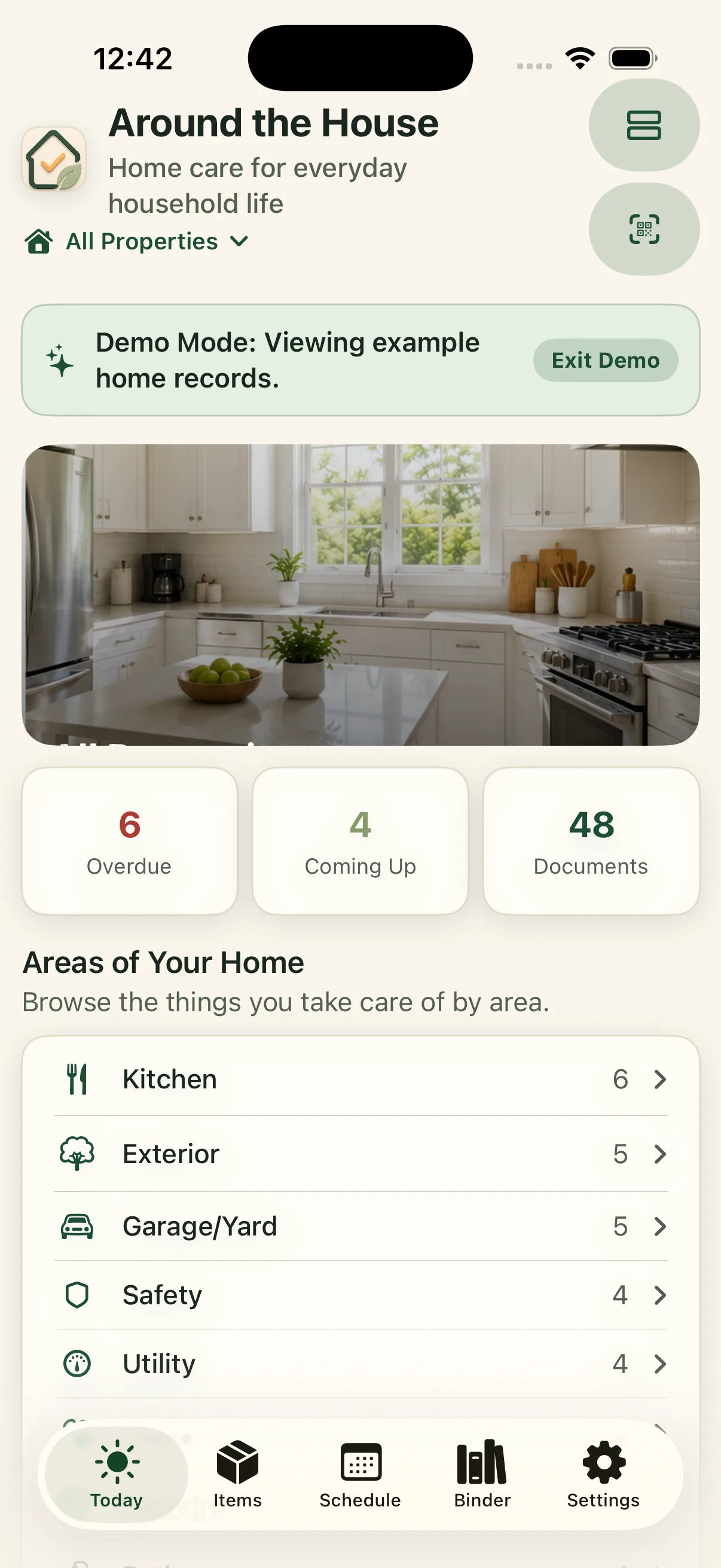
Use recurrence carefully
Some work repeats on a fixed date; other work depends on use, condition, weather, or a professional inspection. Review intervals after each completion. If a filter was still clean or a gutter filled early, adjust the next reminder using what the history shows.
Schedule one task that repeatedly surprises you.
Choose the real interval for your equipment, link the task to its item, and add the detail you need when the reminder arrives.
iPhone, iPad & Mac · Explore an example home. Review current purchase options in the app.
No separate Around The House account. Private iCloud sync across your own devices when enabled.